What Metodic can do › Connect
Notion and Google Drive
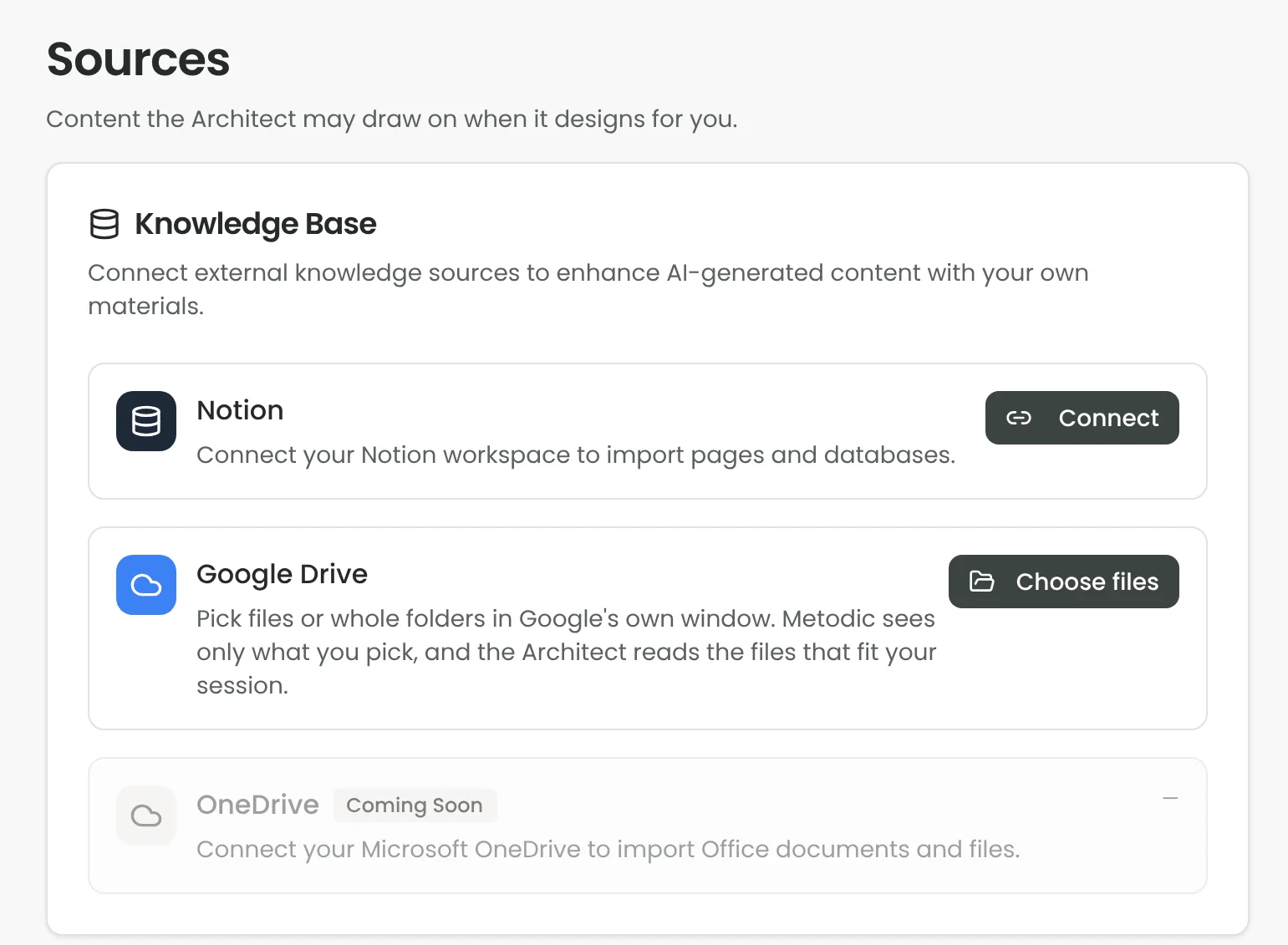
Connect Notion or Google Drive and choose the pages and files the Architect may read, so sessions are built on your own material.
What you do with it
- Pick what it may read. Connect Notion or Google Drive and choose the pages, files or folders. Only what you pick is read.
- See and take back. Sources shows everything you share as a tree by folder or page, and lets you take out a single item or a whole folder.
- Designs built on your material. When you design, the Architect reads the files that fit the session. Together with How I work, where you say what it should always keep in mind, the sessions sound like yours.
When it helps
For trainers with an existing curriculum, and for teams whose workshops start from their own models, notes and documents.
Plans and credits
Up to 150 files or pages. Per turn the Architect reads up to 24,000 characters of the files that fit best.
Goes well with
Session design with the Architect · Method library · Metodic in Claude and ChatGPT