What Metodic can do › Together
Client workspaces
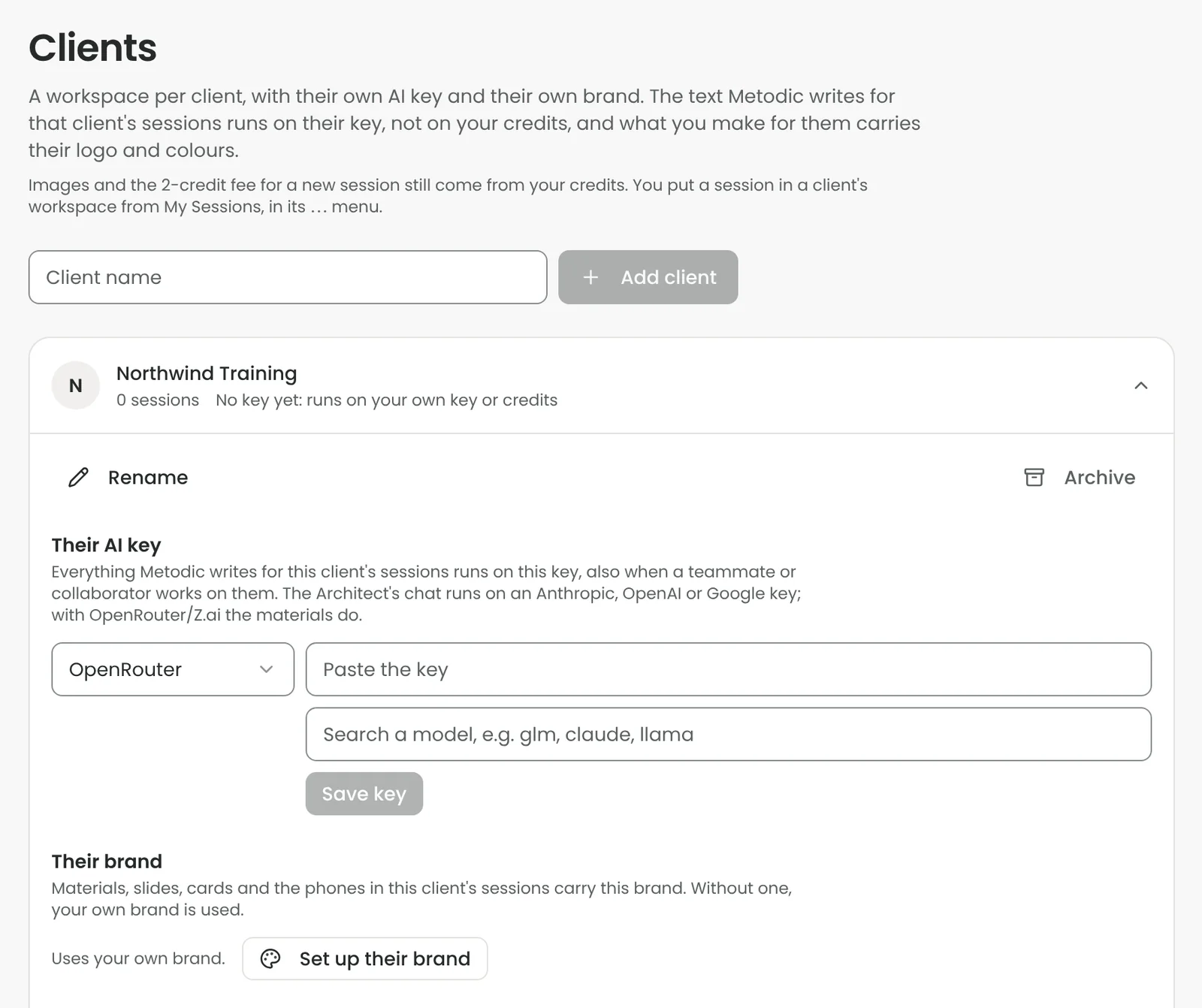
A workspace per client, with the client's own brand and AI key: what you make for them carries their logo and colours, and the AI work runs on their key instead of your credits.
What you do with it
- A workspace per client. Add a client and put their sessions in it from My Sessions. Filter your sessions by client, and archive a client when the work is done.
- Their brand on their material. Give the client their own logo, colours and typeface. Everything you make in their sessions carries their look instead of yours.
- Their AI key, their costs. Add the client's own Anthropic, OpenAI or Google key. The text Metodic writes for that client's sessions runs on it, also when a teammate or collaborator works on them, so the client pays for their own AI use.
When it helps
For consultants and agencies who design workshops for several organisations and want to keep the brands and the costs apart.
Plans and credits
Professional and higher. Images and the 2-credit fee for a new session still come from your own credits.